My Current Hardware: What Powers the Smart Home
A tour of the hardware behind my smart home — from a NiPoGi mini PC and a WD MyCloud NAS to dozens of Zigbee sensors and smart switches.
On this page
Before jumping into new hardware decisions, it’s worth documenting what I’m working with today. Every device, every sensor, every piece of the puzzle that makes this smart home tick — and where it’s starting to fall short.
Storage: WD MyCloud Home 6TB
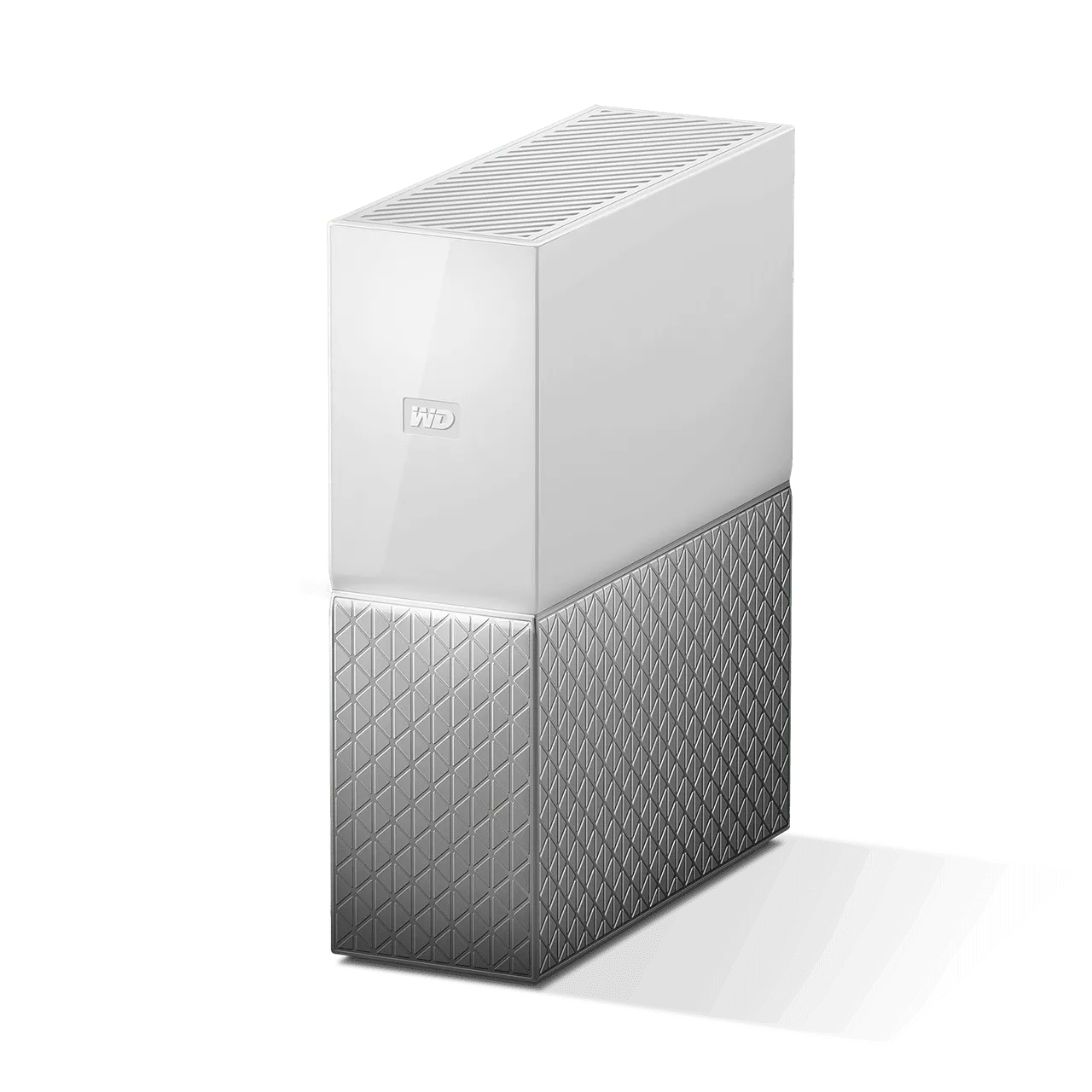
I bought the WD MyCloud Home 6TB back in 2018, and for a consumer NAS, it’s been a reliable companion. It offers a clean, simple experience that just works for most use cases:
- Automatic photo and video backup from phones via the My Cloud Home app — no manual syncing needed
- Built-in Plex Media Server — it came with Plex pre-installed, which was a huge selling point for streaming my media library
- USB port for expanding storage with an external drive
- Remote access — files accessible from anywhere through Western Digital’s cloud service
The platform design is polished. The mobile app works well, the setup is plug-and-play, and the network integration is seamless. For years, it served me well.
But cracks have appeared. I’m running out of storage — 6TB fills up faster than you’d expect when you’re backing up years of photos, 4K video, and a growing media library. LAN performance is noticeably slow for large transfers, and when streaming 4K content through Plex, especially with larger files (40GB+ remuxes), it frequently fails to open them or stutters mid-playback. The hardware simply can’t keep up with high-bitrate decoding and transcoding demands.
And despite having a NAS at home, I never fully managed to abandon OneDrive and iCloud. The WD ecosystem, while nice, doesn’t integrate deeply enough with desktop workflows to replace cloud storage entirely. I’ll dive deeper into the WD MyCloud Home’s strengths and limitations in a dedicated review post.
Server: NiPoGi Mini PC
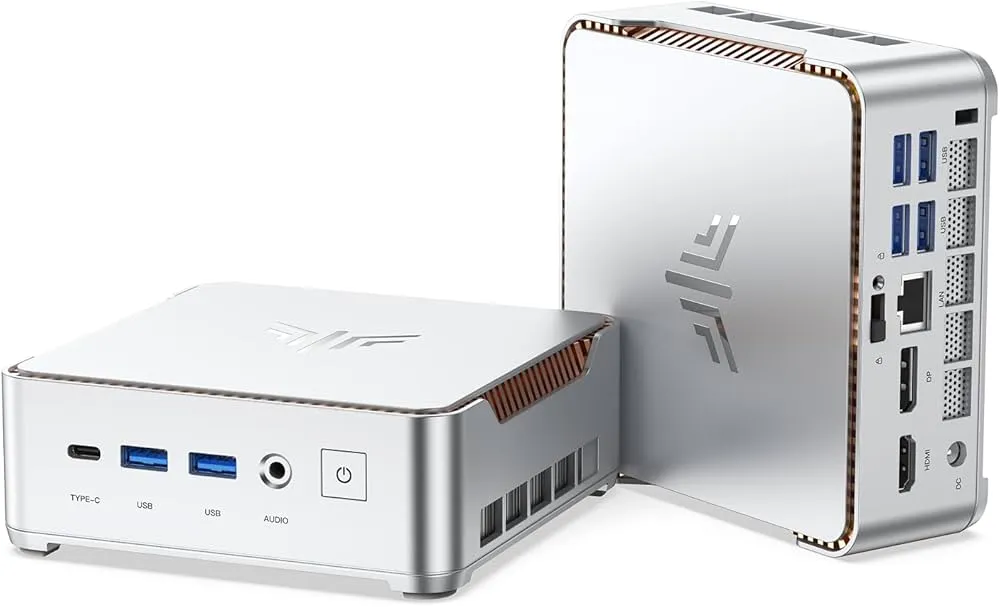
This is the heart of the whole operation. Bought in 2022 on a friend’s suggestion, this unassuming little box runs everything. Here are the specs:
| Component | Specification |
|---|---|
| CPU | Intel Celeron J4125 (4 cores, 2.0-2.7 GHz) |
| RAM | 8 GB DDR4 |
| Storage | 128 GB M.2 SSD |
| Connectivity | Dual-band WiFi (2.4+5 GHz), Gigabit Ethernet |
| Ports | 2x HDMI, VGA, 2x USB 3.0, Type-C, Audio |
| Display | Triple display support, 4K@60Hz |
It runs Linux and hosts Home Assistant as its primary workload, but over time I’ve stacked more and more services on it — Pi-hole, Beszel, Authentik, and others I’ll cover in the software post. At ~10W idle, it’s incredibly power-efficient for a 24/7 server.
The problem? 8 GB of RAM is not enough anymore when you’re running a dozen Docker containers. The Celeron J4125, while capable for light loads, struggles with anything compute-intensive. And 128 GB of storage means I’m constantly managing disk space. A full review of what’s running on this machine and why it needs replacing is coming soon.
Smart Home Coordinator: Sonoff Zigbee 3.0 USB Dongle Plus
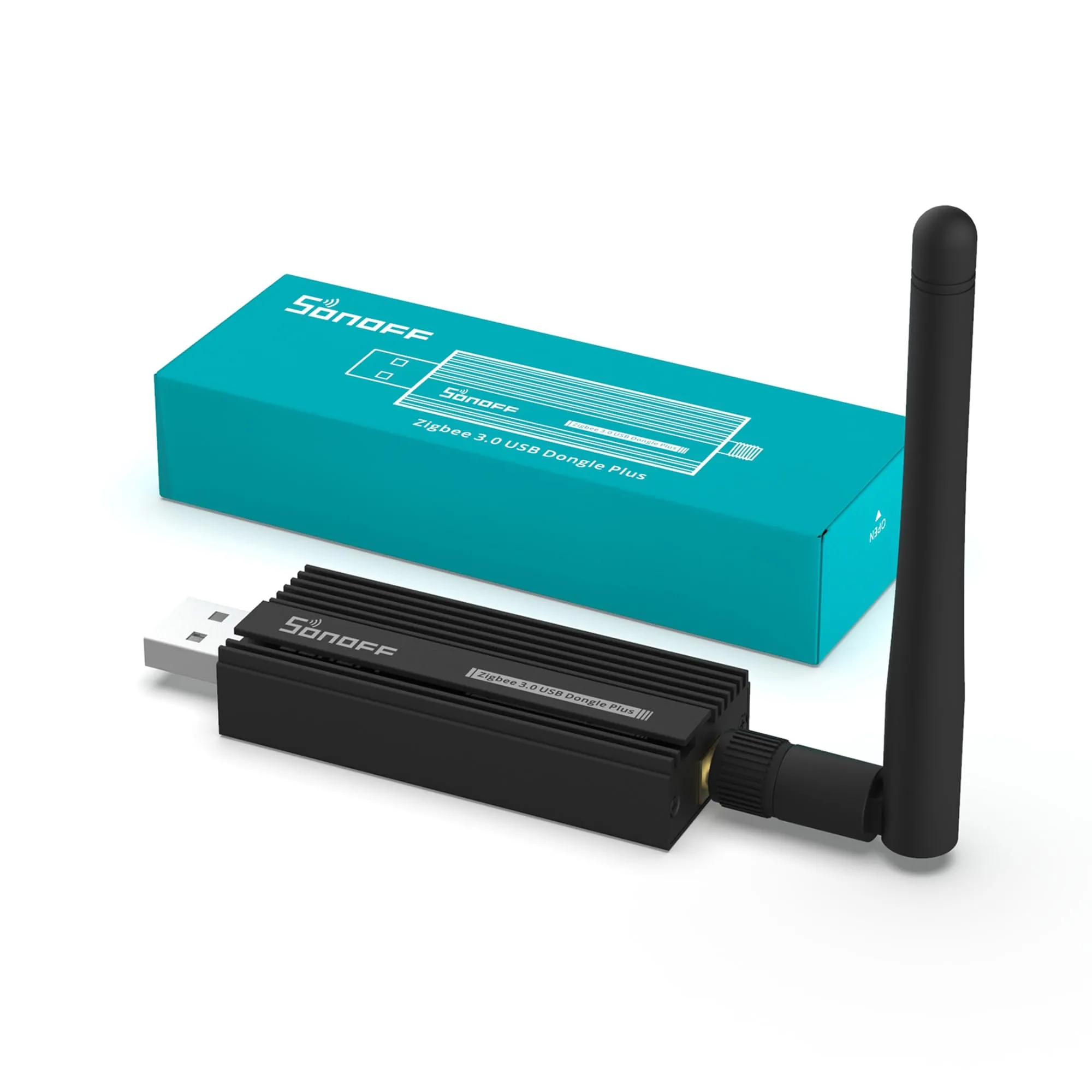
The Sonoff Zigbee 3.0 USB Dongle Plus (CC2652P) is the backbone of my smart home network. Plugged into the NiPoGi mini PC, it acts as the Zigbee coordinator — the central hub that all Zigbee devices communicate through.
Why this dongle? A few key reasons:
- Texas Instruments CC2652P chip — one of the most reliable and widely supported Zigbee chips available, with excellent range thanks to the built-in +20 dBm power amplifier
- Zigbee 3.0 support — the latest standard, ensuring compatibility with virtually all Zigbee devices regardless of manufacturer
- Runs with Zigbee2MQTT or ZHA — fully compatible with the two most popular Zigbee integrations in Home Assistant
- External antenna — significantly better range than dongles with internal antennas, critical in a multi-room setup
- No cloud dependency — everything runs locally, no vendor cloud required
It’s the device that makes the entire Zigbee mesh possible. Every sensor, every switch, every smart device in the list below connects through this coordinator.
The Smart Device Ecosystem
Here’s everything that’s currently connected and managed through Home Assistant. It’s grown organically over the years — each device solving a specific problem.
Lighting & Switches: BTicino Living Light
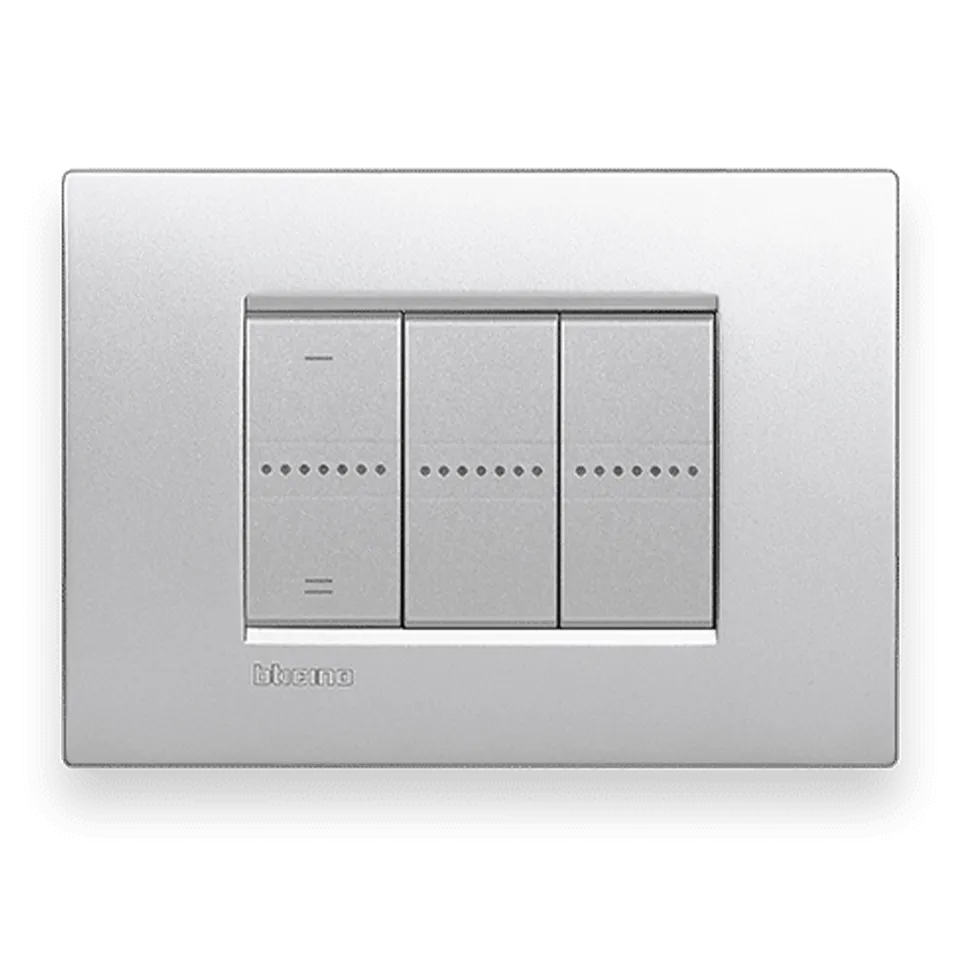
BTicino Living Light is the foundation of my smart lighting. This is an Italian brand (part of the Legrand group) known for high-quality electrical components with a sleek design. I have:
- Smart light switches throughout the house — replacing every traditional switch
- Smart blind controllers — the very first smart devices I installed back in 2021
- Home/Away smart button — a physical button that triggers complex automations for leaving or arriving home
These are hardwired, professionally installed devices that look like regular premium switches — not the plastic-y smart switches you find on Amazon. They blend into the apartment’s design perfectly.
Climate: Netatmo Smart Radiator Valves
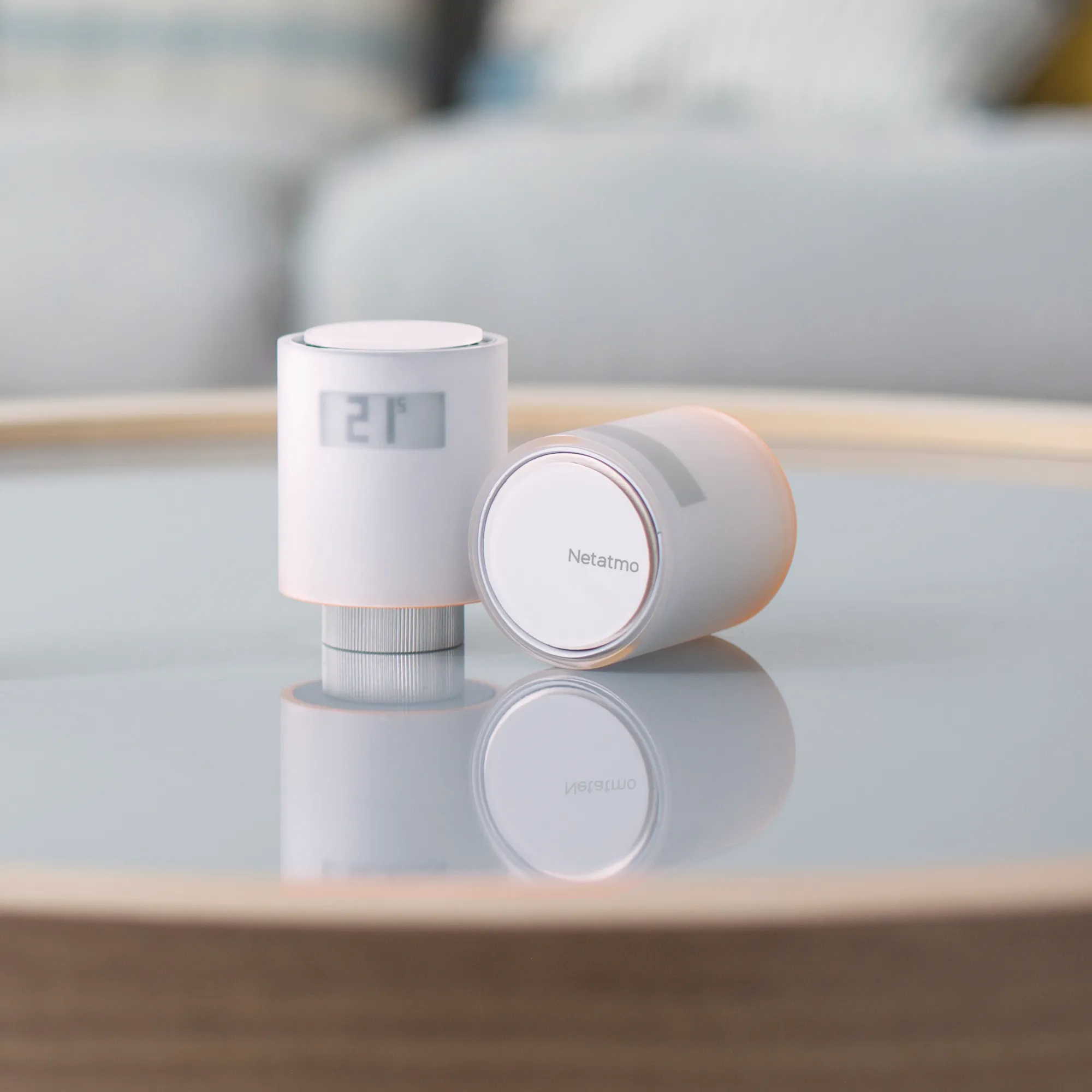
Netatmo Smart Radiator Valves replaced the manual valves on every radiator. They enable per-room temperature scheduling and integrate natively with Home Assistant. The main advantages are:
- Individual room temperature control with weekly schedules
- Open window detection — automatically reducing heating when a window is open
- Apple HomeKit and Home Assistant compatibility
- Elegant design that doesn’t look out of place on a radiator
IR Control: Broadlink RM4 Mini (x2)
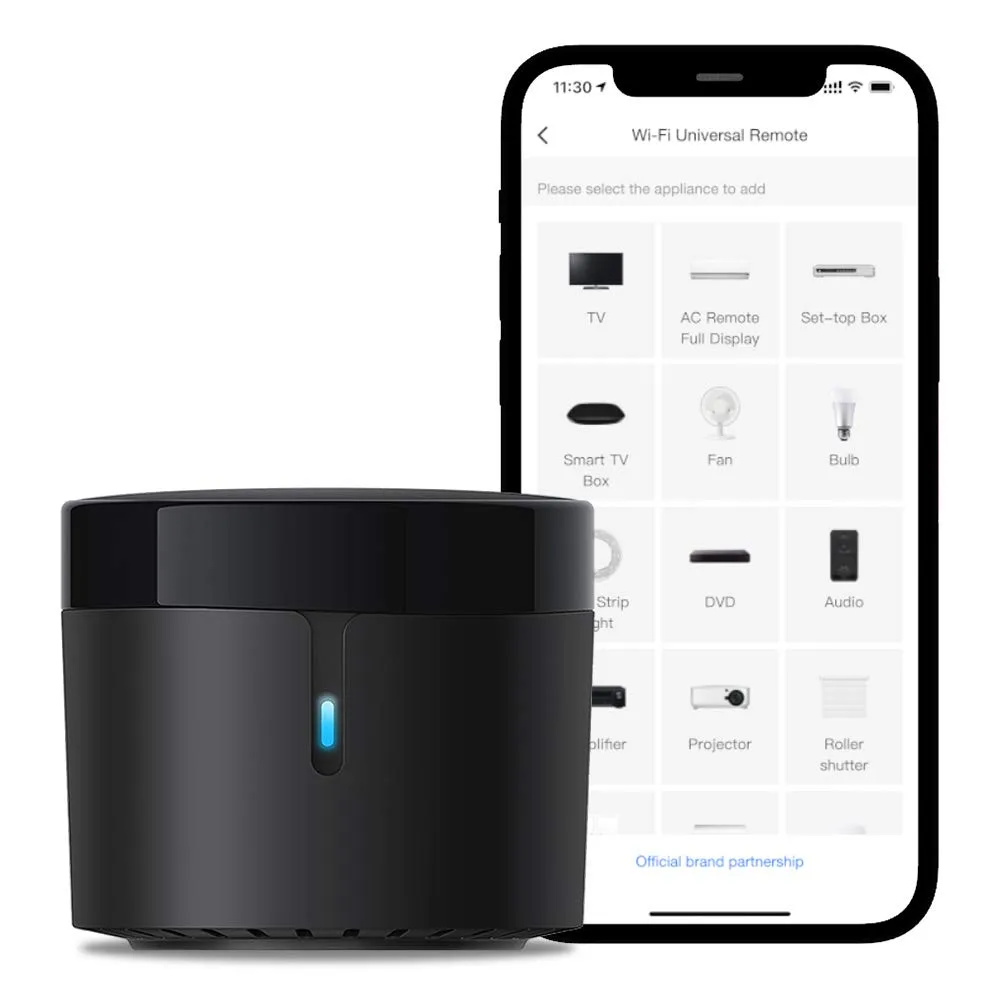
Two Broadlink RM4 Mini devices handle all the “dumb” IR-controlled devices — the bedroom TV and the air conditioning units. They learn IR codes from existing remotes and replay them via Home Assistant automations. Cheap, effective, and they turned non-smart devices into smart ones overnight.
Energy Monitoring: Shelly EM (x2)
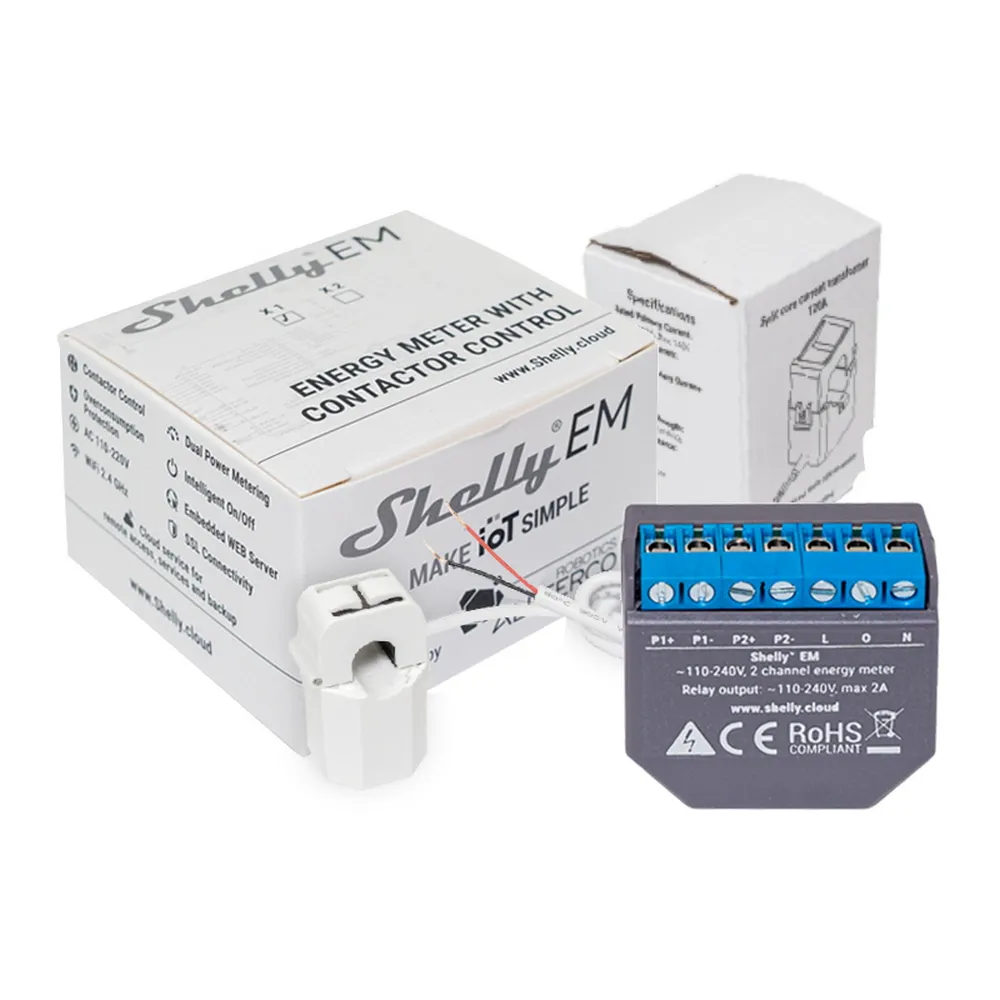
Two Shelly EM modules with current clamp sensors (50A) are installed in the electrical panel. They provide:
- Real-time power consumption monitoring per circuit
- Historical energy usage data
- Integration with Home Assistant for energy dashboards and automations
- WiFi connectivity — no hub required
These are essential for understanding where electricity is going and spotting anomalies.
Door Sensors: Aqara Door Sensor (x8)
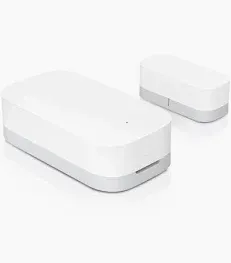
Eight Aqara Door and Window Sensors are placed on every external door and window. Zigbee-based, they’re small, reliable, and have excellent battery life (up to 2 years). They feed security automations and the open-window detection for heating.
Temperature & Humidity: Tuya Zigbee Sensors (x6)
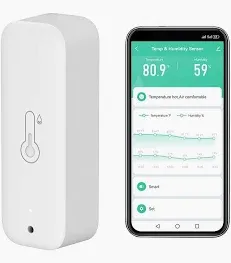
Six Tuya Zigbee temperature and humidity sensors are spread across key rooms. They provide the data that drives climate automations — when to heat, when to ventilate, and historical trends for the Home Assistant energy dashboard.
Motion & Presence Detection
Presence detection is layered:
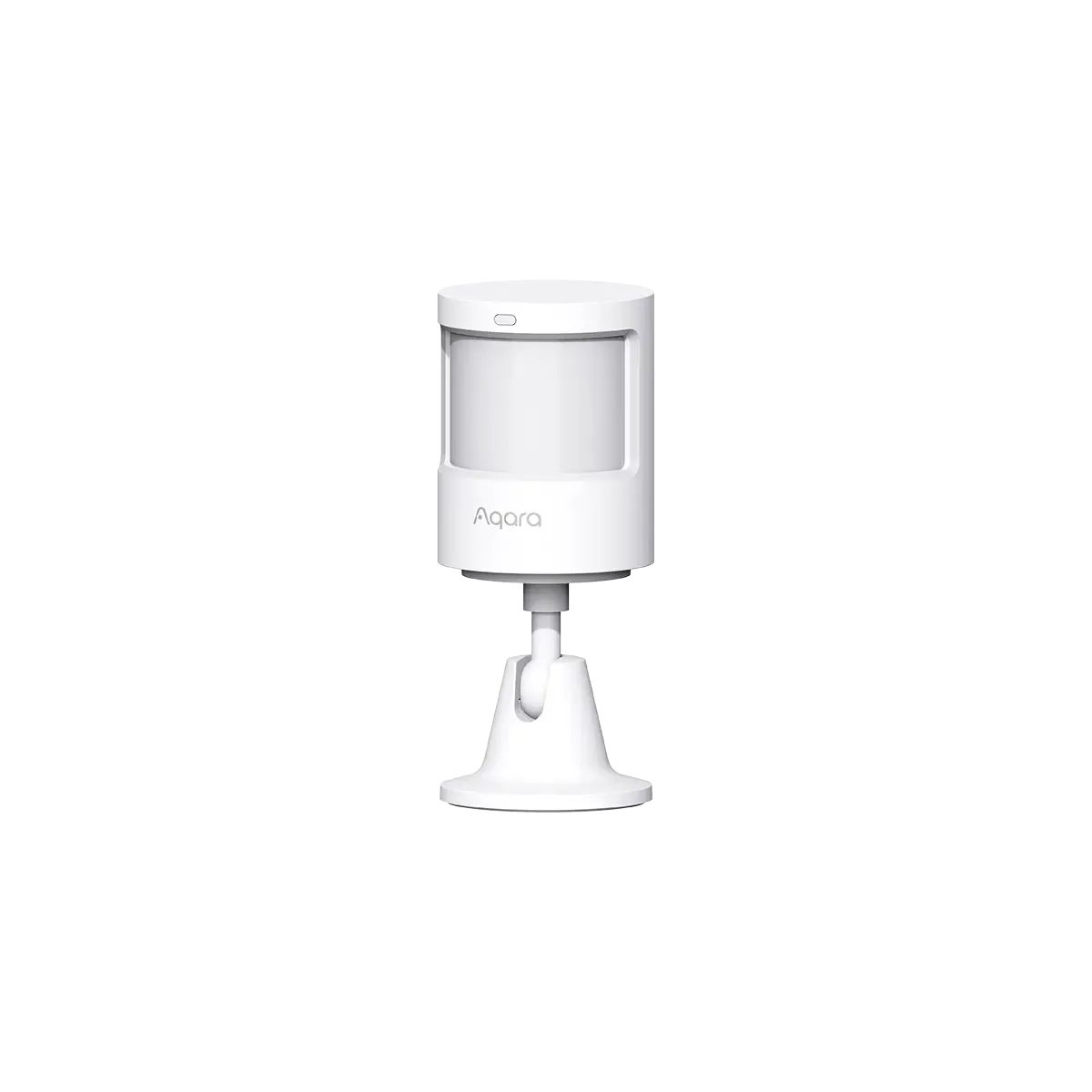
- 3x Aqara P1 Motion Sensors — PIR-based motion detection for hallways and common areas. Fast, reliable, Zigbee.
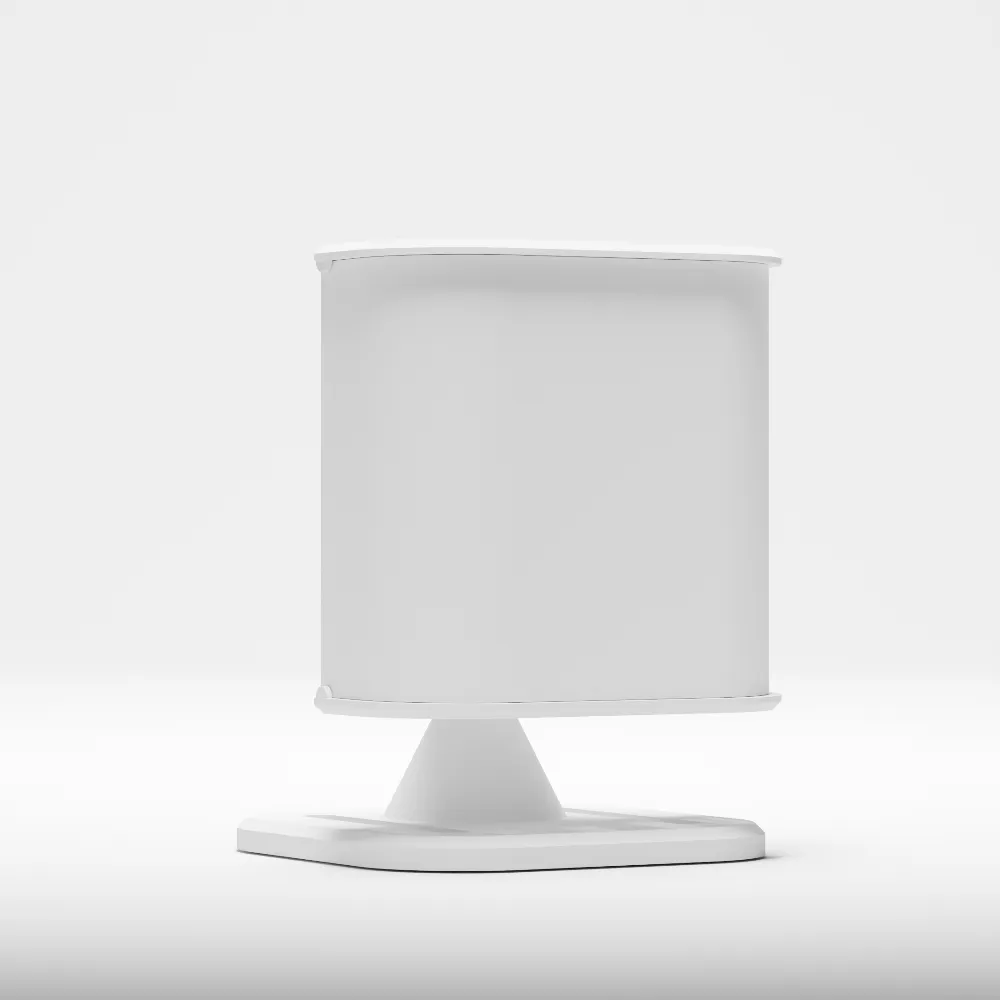
- 2x Everything Smart Home Presence Lite — mmWave radar-based presence sensors that detect even stationary occupancy (sitting, sleeping). These are the next evolution beyond PIR — they know you’re in a room even if you’re not moving.
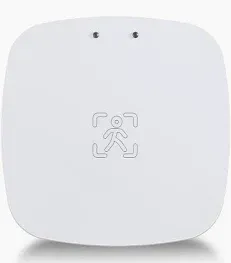
- 1x Tuya Z-Wave Presence Sensor — my lone Z-Wave device, used as a test to compare Z-Wave reliability against Zigbee in a specific room.
Smart Plugs: Tapo Matter Smart Plugs (x5)
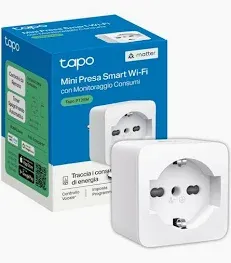
Five TP-Link Tapo Matter Smart Plugs with energy monitoring handle various loads — desk setups, entertainment systems, and seasonal appliances. Matter support means they work with any ecosystem, and the energy monitoring lets me track consumption per device.
The Full Picture
Here’s a summary of everything running today:
| Category | Device | Count |
|---|---|---|
| NAS | WD MyCloud Home 6TB | 1 |
| Server | NiPoGi Mini PC (J4125) | 1 |
| Coordinator | Sonoff Zigbee 3.0 CC2652P | 1 |
| Light switches & blinds | BTicino Living Light | Multiple |
| Climate | Netatmo Smart Radiator Valves | Multiple |
| IR control | Broadlink RM4 Mini | 2 |
| Energy monitoring | Shelly EM + clamp | 2 |
| Door/window sensors | Aqara Door Sensor | 8 |
| Temp/humidity | Tuya Zigbee Sensor | 6 |
| Motion | Aqara P1 Motion Sensor | 3 |
| Presence | Everything Presence Lite | 2 |
| Presence | Tuya Z-Wave Sensor | 1 |
| Smart plugs | Tapo Matter (energy monitoring) | 5 |
That’s over 30 connected devices, plus the BTicino switches and Netatmo valves across the apartment. All managed through a single Zigbee coordinator on an 8 GB mini PC. It’s impressive that it works as well as it does — but it’s also clear why I’m hitting limits.
Next Steps
In the next post, I’ll go through the software stack — every service running on the NiPoGi, how they’re configured, and what I plan to migrate to the new lab. After that, it’ll be time to talk about choosing new hardware.
The journey continues.